
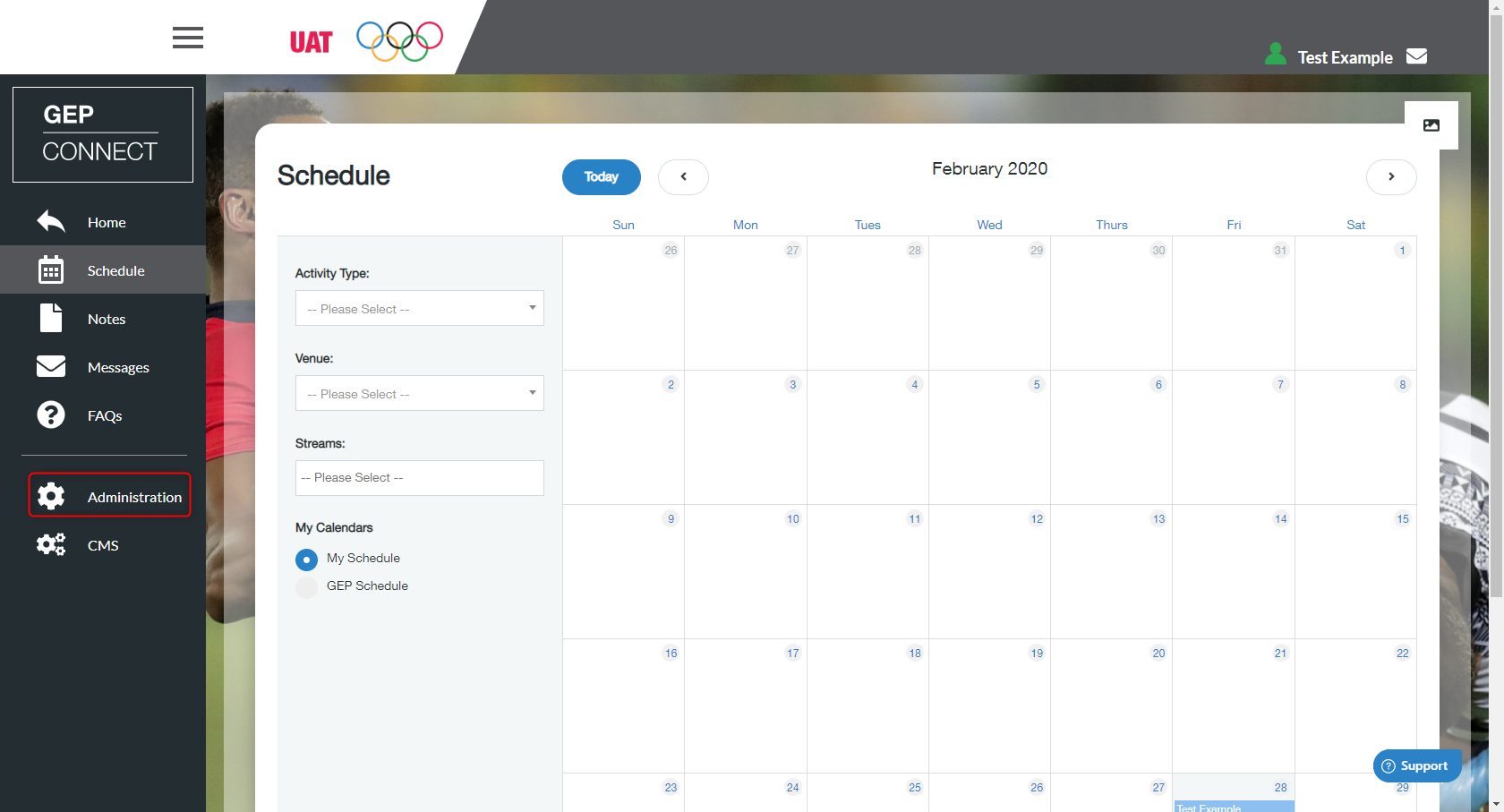
- Go to ‘Administration’ on the left menu
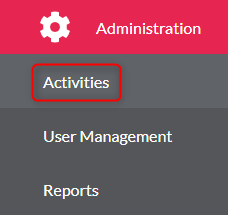
- Click ‘Activities’
- Select the activity from the list
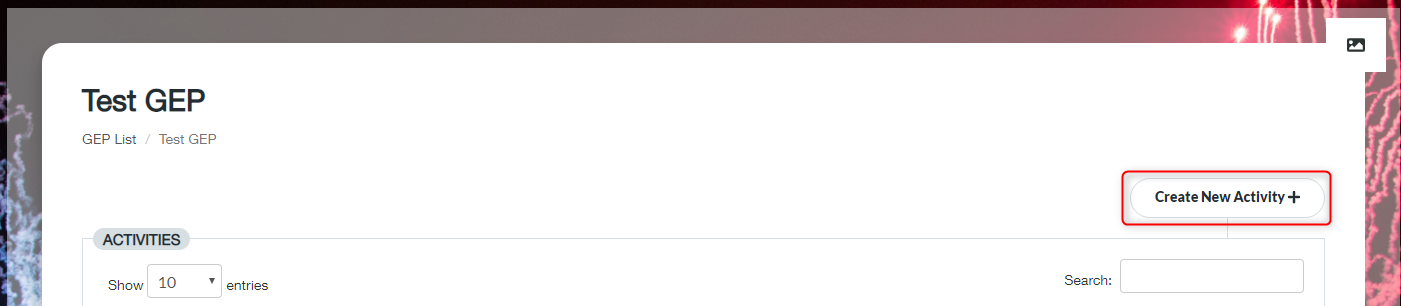
- You then need to click ‘Create New Activity’
- Under the details tab you will need to input all the required information
- Please note that Programme Lead, IOC/IPC FA Presenter and Activity Coordinator lists are populated based on roles assigned in User Management
- If you need to include an additional person in these lists they must first be registered to the GEP and then assigned the relevant role
- Make sure you include a date for the activity - Click ‘Save’
Create new Activity Details Print
Modified on: Wed, 2 Dec, 2020 at 9:35 AM
Did you find it helpful? Yes No
Send feedbackSorry we couldn't be helpful. Help us improve this article with your feedback.