
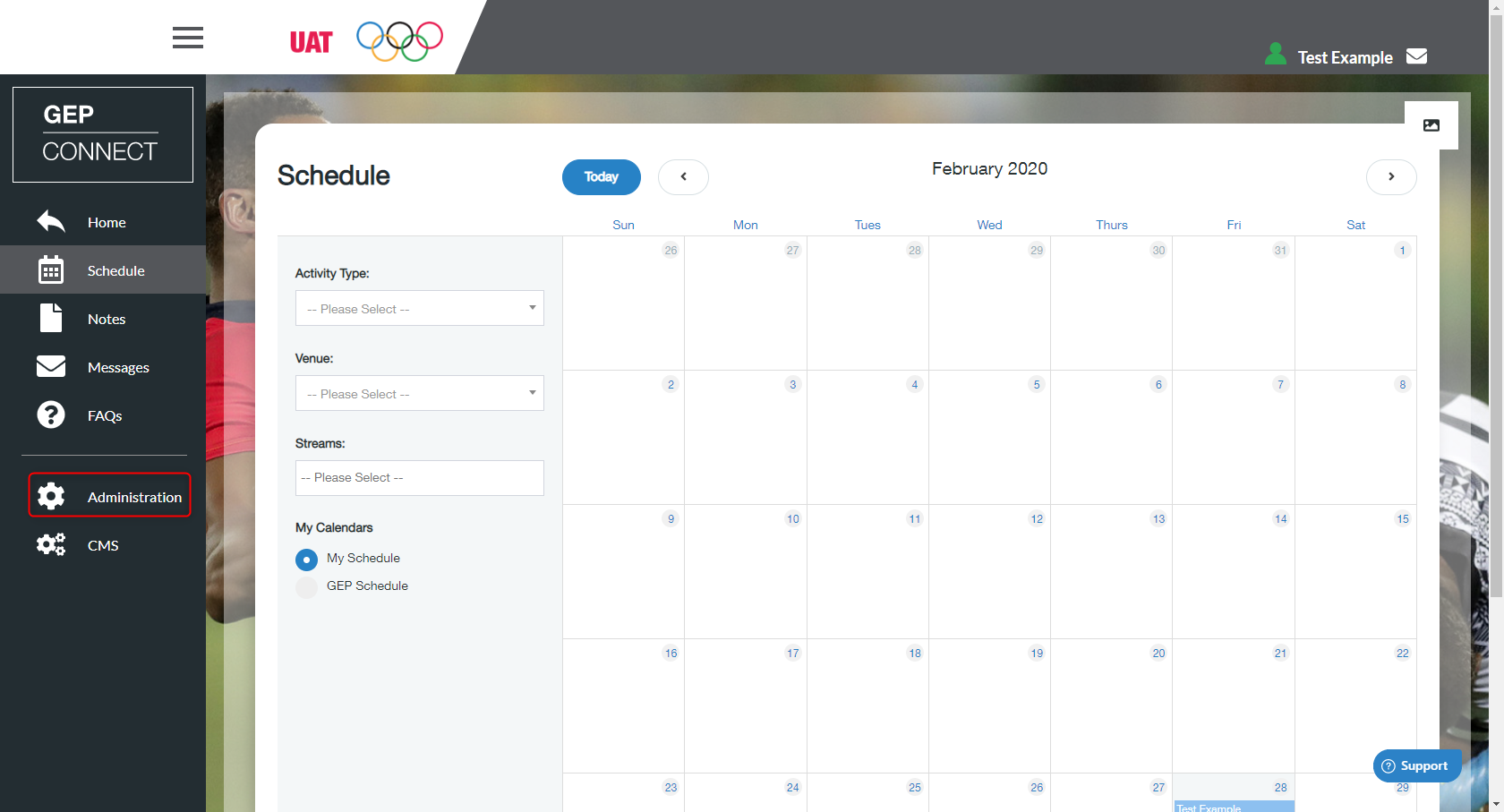
- Go to ‘Administration’ on the left menu
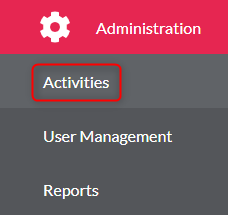
- Click ‘Activities’
- Select the activity from the list
- Find the activity you wish to create a session within
- Click ‘Edit Activity’

- You then need to make sure you select the ‘Sessions’ tab at the top of the page

- 7. Click ‘Create New Session’

- Fill in all the session information (you can create more than one session here)
- To reorder the list then you need to click ‘Re-Order Sessions’ and then you need to drag and drop the session you wish to move. Please ensure that the timings update correctly when reordering sessions.
Create Sessions within an Activity Print
Modified on: Wed, 2 Dec, 2020 at 9:35 AM
Did you find it helpful? Yes No
Send feedbackSorry we couldn't be helpful. Help us improve this article with your feedback.