
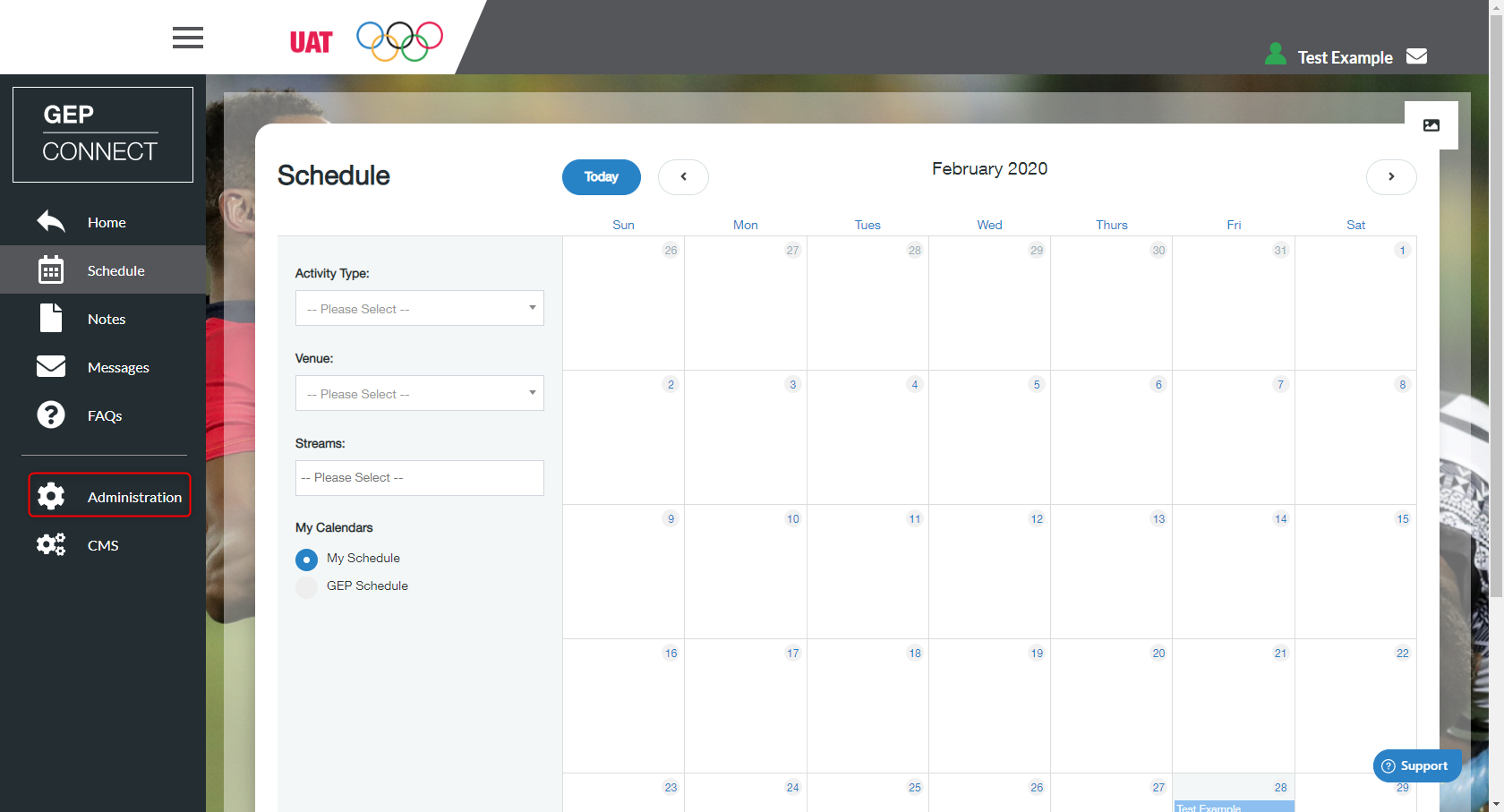
- Administration’ on the left menu
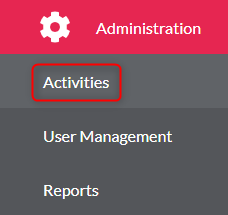
- Click ‘Activities’
- Select the activity from the list
- Find the activity you wish to create a session within
- Click ‘Edit Activity’

- You need to make sure you select the ‘Workbook Sections’ tab at the top of the page of the new activity

7. Select the workbook you need from the drop-down list
8. Click the ‘+’ button, this will now show the workbook under ‘VIEW WORKBOOK SECTIONS’