
- Go to ‘Administration’ on the left menu
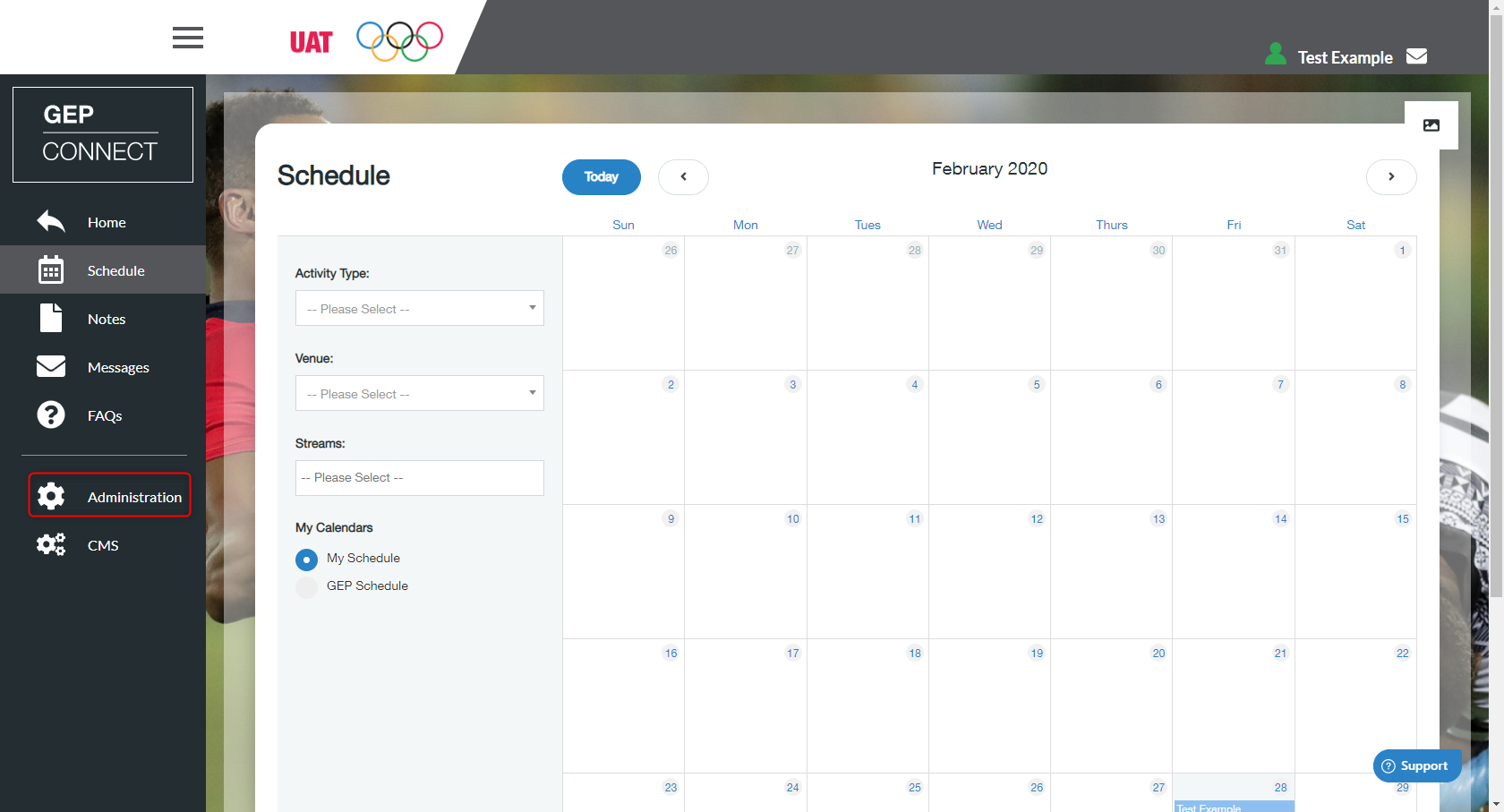
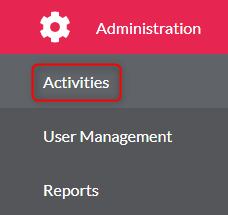
- Click ‘Activities’
- Select the activity from the list
- Find the activity you wish to create a session within
- Click ‘Edit Activity’

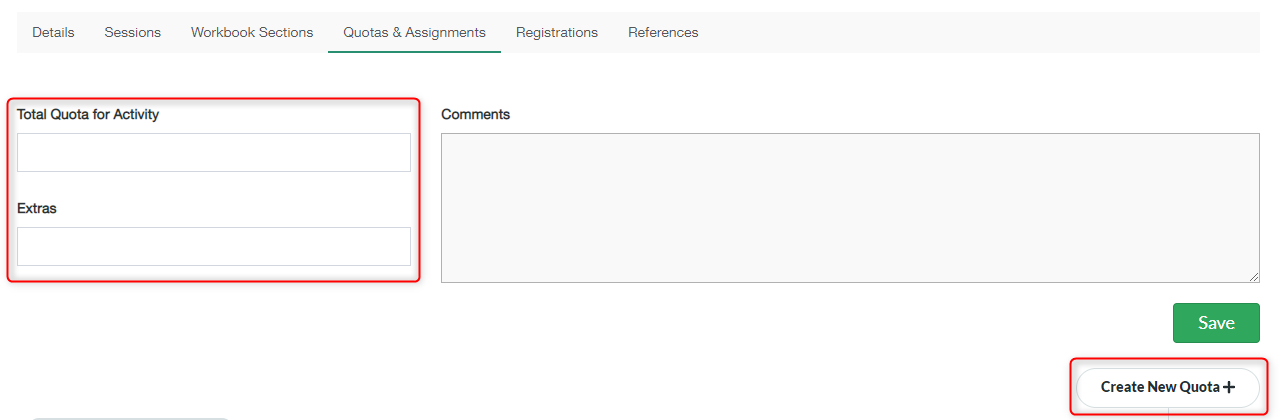
- You need to make sure you select the ‘Quotas & Assignments‘ tab at the top of the page of the new activity

- Input the number for the total quota for the overall activity
- Put the number for the total Extras that will be allowed for the activity (Extras are participants that will be on standby lists for activities)
- Click ‘Create New Quota +’
- Fill in the required details for each delegation (you can edit existing delegation quotas by clicking the edit button in the QUOTAS & ASSIGNMENTS section)
- Click ‘Save’ you will now see your saved quota in the QUOTAS & ASSIGNMENTS section
Set overall Activity Quotas and Assign delegation quotas Print
Modified on: Wed, 2 Dec, 2020 at 9:36 AM
Did you find it helpful? Yes No
Send feedbackSorry we couldn't be helpful. Help us improve this article with your feedback.