
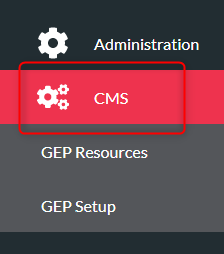
- Click ‘CMS’ on the menu on the left
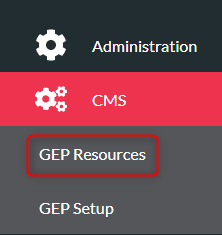
- Click ‘GEP Resources’
- Click your resource from the list
- Click ‘Venues’ tab on the top menu

- Click ‘Add New Venue’

- Type the venue name in the Name box
- Type or copy the venue address into Location Address
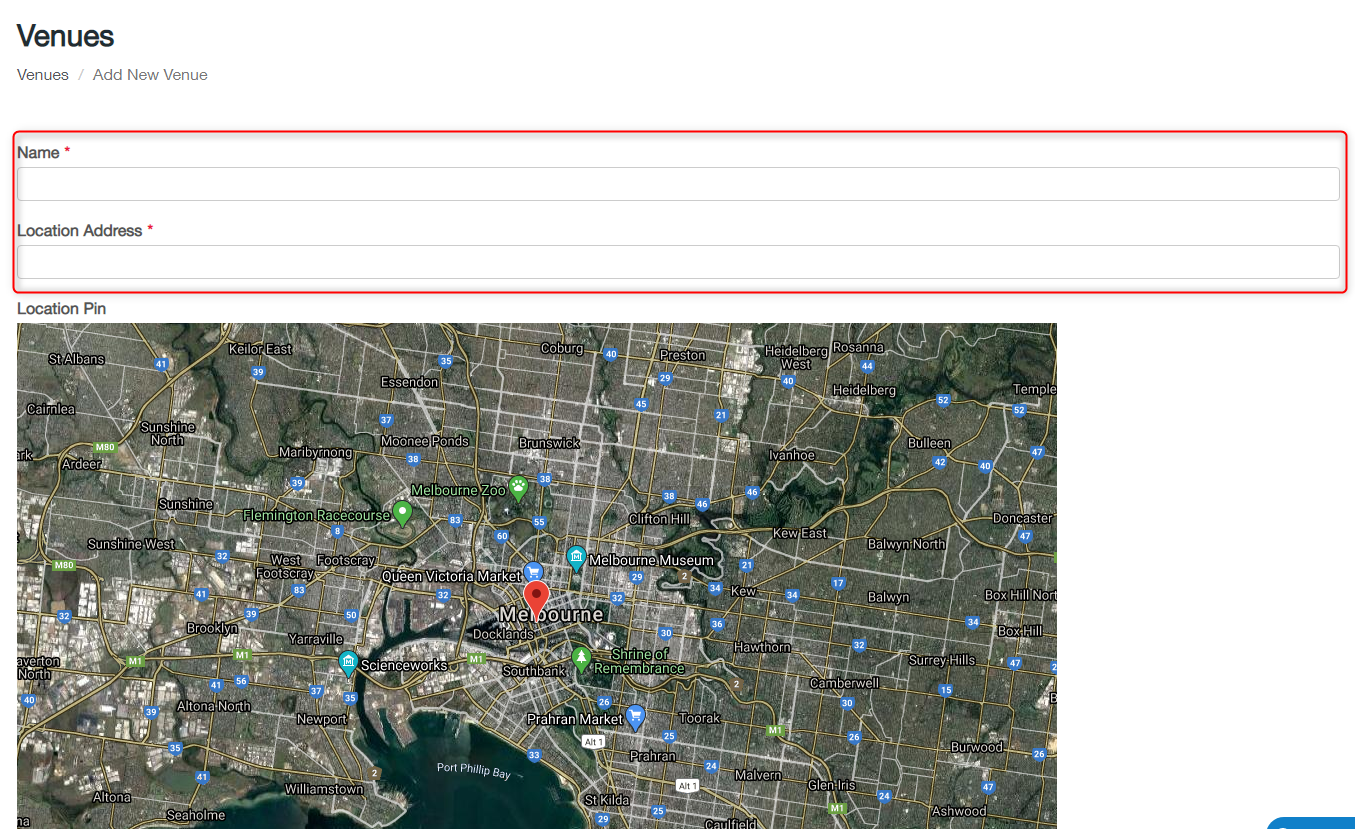
- Click ‘Create’
- Your new venue will now show in the Venues list (you may need to go to page 2 if you are unable to see your session on the first page)
- To edit an existing venue, click the edit button next to the venue. Change the name and address and click ‘Save’

Setup Venues Print
Modified on: Wed, 2 Dec, 2020 at 9:50 AM
Did you find it helpful? Yes No
Send feedbackSorry we couldn't be helpful. Help us improve this article with your feedback.