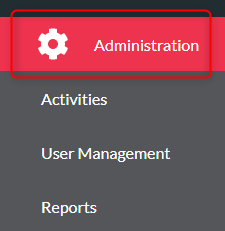
- Click ‘Administration’
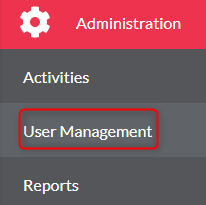
- Click ‘User Management’
- Click your resource from the list
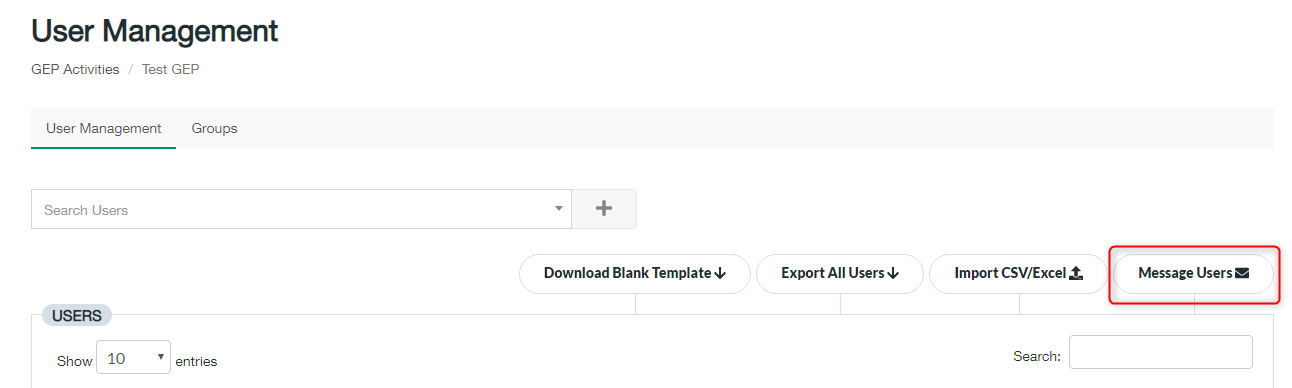
- Click ‘Message Users’
- Select the user you wish to message from the ‘To User(s) box
- Type your message in the ‘Message box’
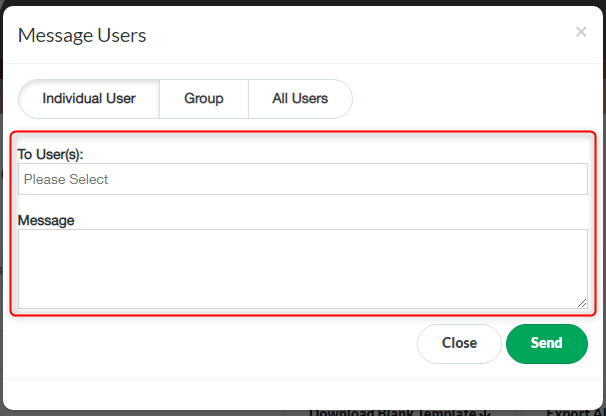
- Click ‘Send’

Modified on: Wed, 2 Dec, 2020 at 9:53 AM
Did you find it helpful? Yes No
Send feedback