User Management
Print
Modified on: Wed, 2 Dec, 2020 at 9:56 AM
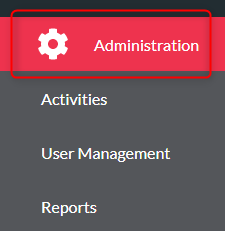
- Click ‘Administration’
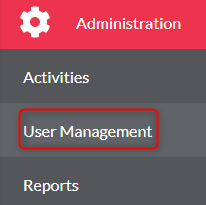
- Click ‘User Management’
- Find your activity from the list
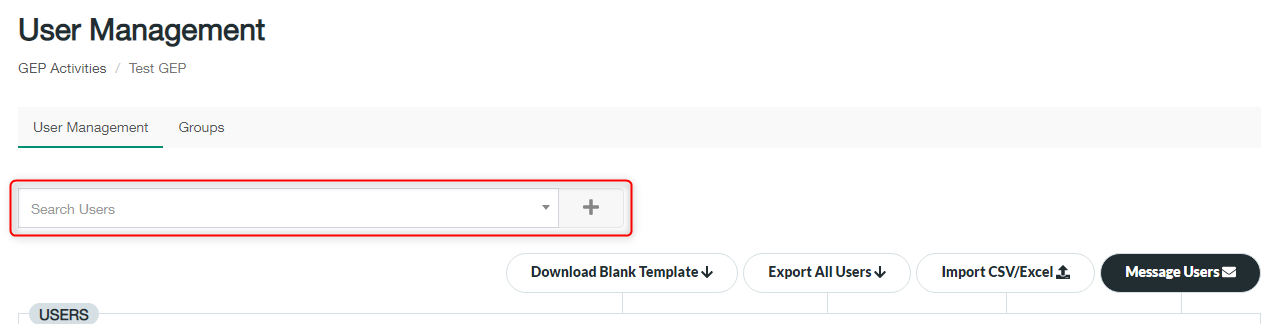
- Select a User from the Search Users box and click the ‘+’ to add them
- Select a delegation and role using the dropdown menu

- You will now see your user under Users (you may need to go to page 2 if you are unable to see your session on the first page)
- To edit an existing user, click the edit button next to the session. Change any details and click ‘Save’ once happy

Did you find it helpful?
Yes
No
Send feedback Sorry we couldn't be helpful. Help us improve this article with your feedback.
