
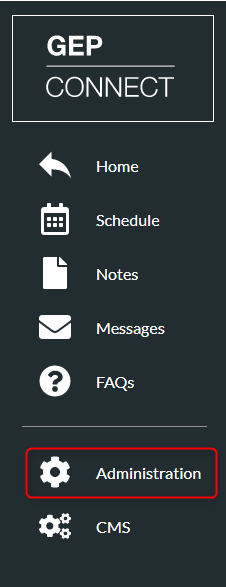
- Click ‘Administration’
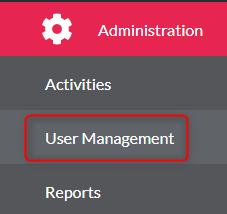
- Click ‘User Management’
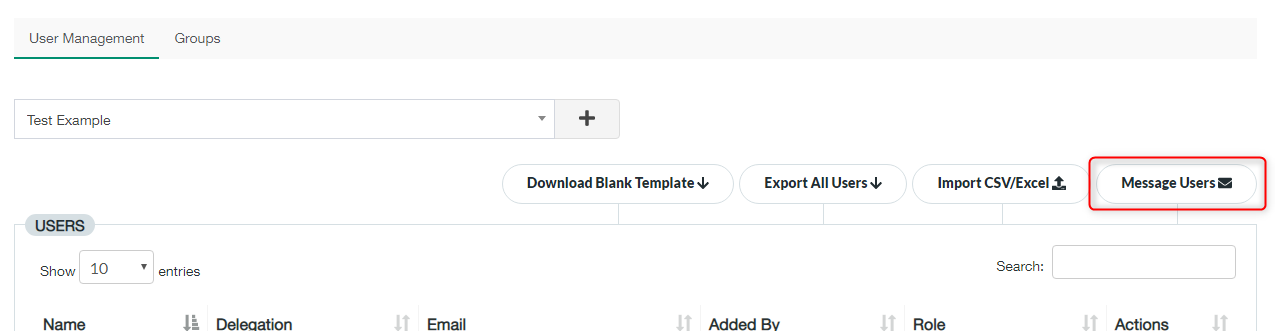
- Find your activity from the list
- Click ‘Message Users’
- You then need to select if you want to message all users or one individual
- Type your message in the ‘Message’ box
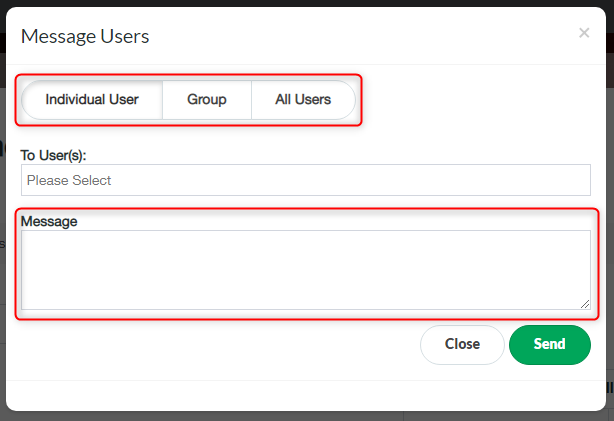
- Click ‘Send’
Message Delegates Print
Modified on: Wed, 2 Dec, 2020 at 10:04 AM
Did you find it helpful? Yes No
Send feedbackSorry we couldn't be helpful. Help us improve this article with your feedback.