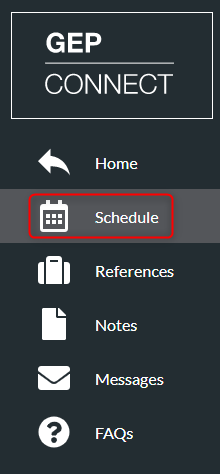
- Click ‘Schedule’ on the left menu
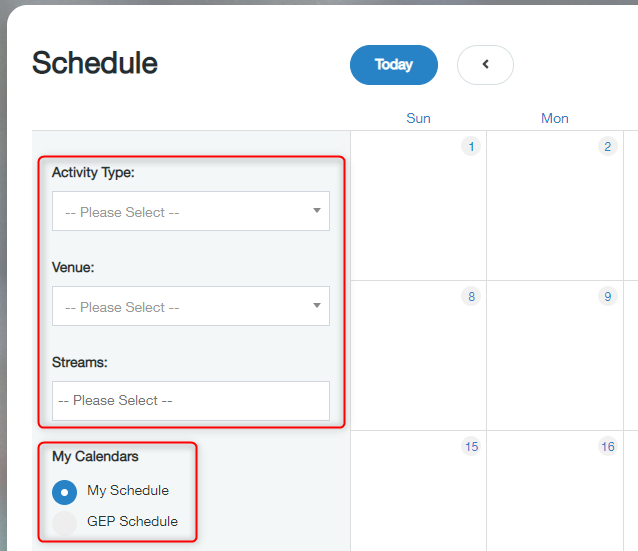
- This will then automatically show ‘My Schedule’ which will display all the activities you have been registered to. View all GEP activities by clicking ‘GEP Schedule’. You can filter the calendar using the filters available