
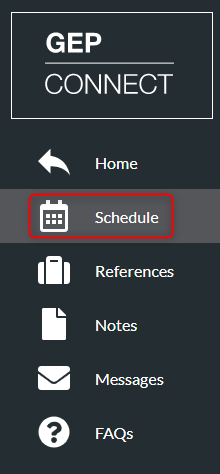
- Click ‘Schedule’ on the left menu
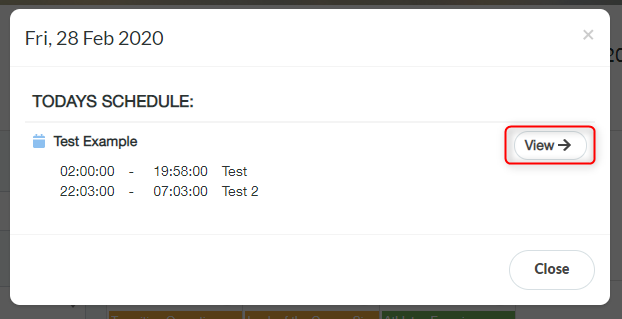
- A list of all activities scheduled for that day is then displayed. Click one of the activities to open the schedule then click ‘View’
- Activity details page shows, type, programme lead, description, location map etc
- You can view further details by clicking through the tabs