
- Click ‘Schedule’ on the left menu

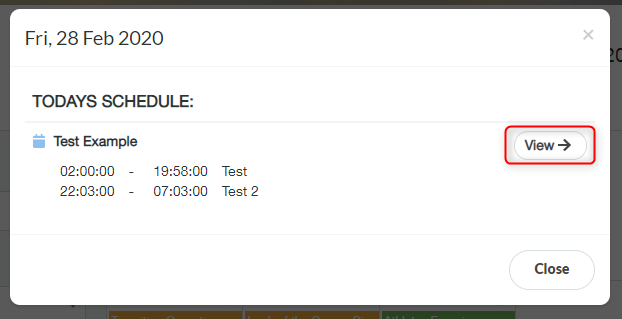
- A list of all activities scheduled for that day is then displayed. Click one of the activities to open the schedule then click ‘View’
- Click ‘Add New Note’

- Enter your text or add media by clicking ‘Browse’
- Click ‘Save’
- Share the note by pressing the action button the right of the saved note, you can share your note with either a group or with a single delegate selected from the drop-down list
Add notes & media to an Activity Print
Modified on: Wed, 2 Dec, 2020 at 10:08 AM
Did you find it helpful? Yes No
Send feedbackSorry we couldn't be helpful. Help us improve this article with your feedback.