
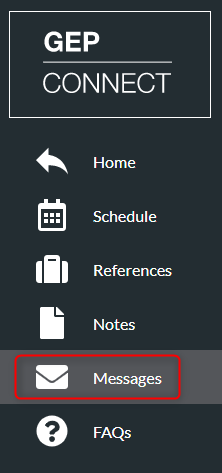
- Click ‘Messages’ on the left menu
- Message a new delegate by clicking ‘Create New Thread+’

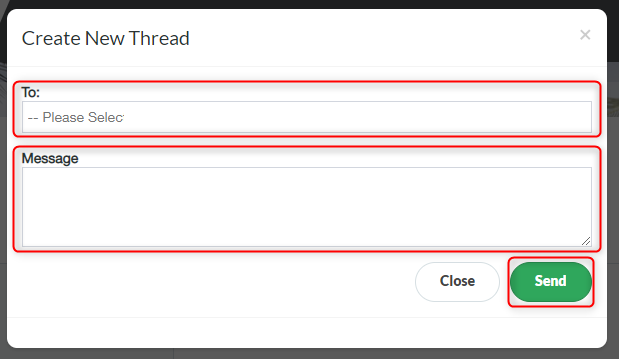
- Select the person you wish to message from the drop-down list
- Type your message in the ‘Message’ box
- Click ‘Send’
Any unread messages will be displayed via a red notification circle on the Messages icon on the left menu.