
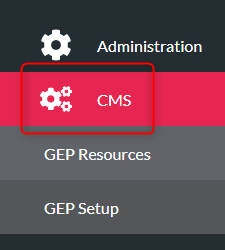
- Click ‘CMS’ on the left menu
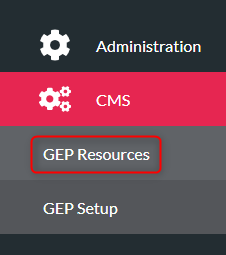
- Click ‘GEP Resources’
- Find your activity from the list
- Select the activity from the list
- Click ‘Venues’ from the menu at the top of the page

- Click ‘Add New Venue’

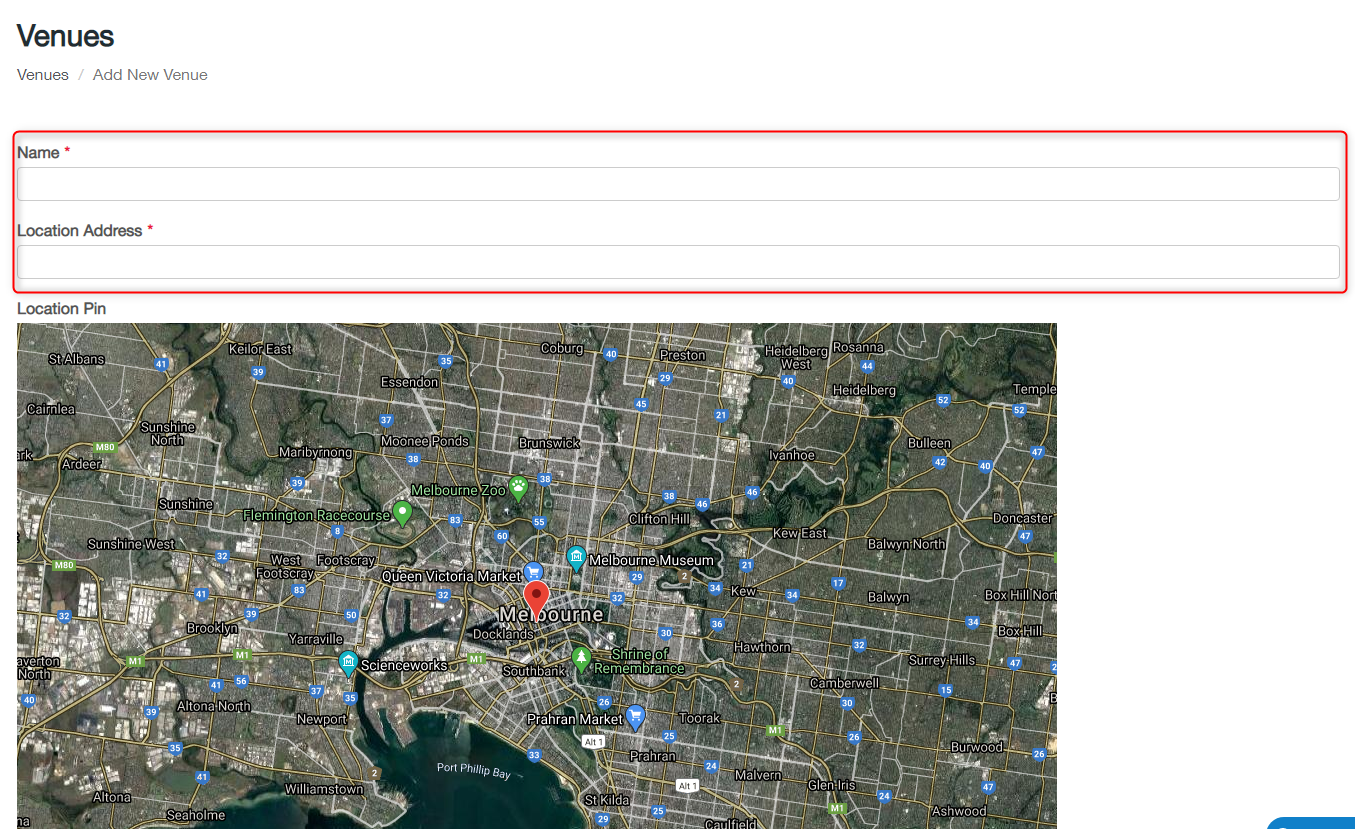
- Type the venue name in the Name box
- Type or copy the venue address into Location Address
- Click ‘Save’
- Your new venue will now show in the Venues list (you may need to go to page 2 if you are unable to see your session on the first page)
To edit an existing venue, click the edit button next to the venue. Change the name and address and click ‘Save’