Create a new workbook section
Print
Modified on: Wed, 2 Dec, 2020 at 10:12 AM
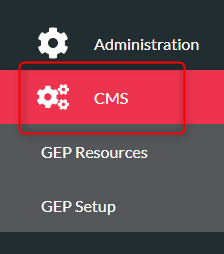
- Click ‘CMS’ on the menu on the left
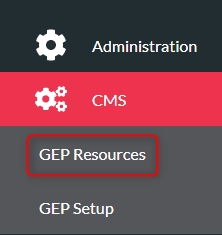
- Click ‘GEP Resources’
- Click your resource from the list
- Click ‘Workbooks’ tab from the top menu

- Click your workbook from the list
- Click ‘Add New Workbook Section’

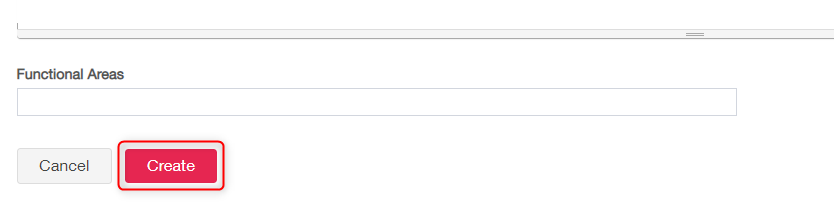
- Complete the text fields including the title. Select the various Functional Areas from the ‘Functional Areas’ box
- Click ‘Create’
Did you find it helpful?
Yes
No
Send feedback Sorry we couldn't be helpful. Help us improve this article with your feedback.
