
- When viewing the calendar select one of the activities
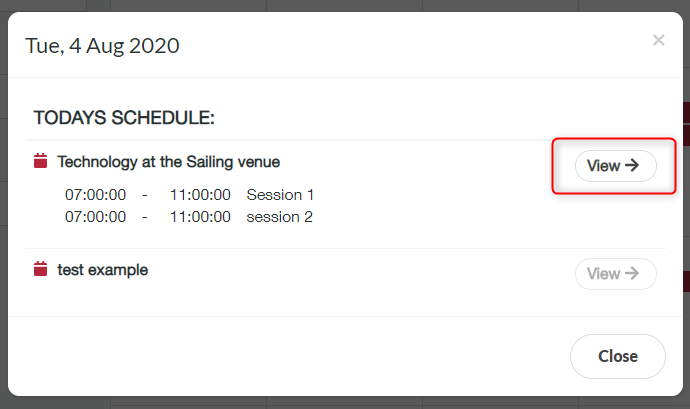
- List of all activities scheduled that day is displayed
- Click ‘View’ one of the activities (an activity must have sessions added to view the activity details)
- Activity details page shows, type, programme lead, description, location map etc
- You can view further details by clicking through the tabs
View activity details Print
Modified on: Wed, 2 Dec, 2020 at 10:14 AM
Did you find it helpful? Yes No
Send feedbackSorry we couldn't be helpful. Help us improve this article with your feedback.