
- When viewing the calendar select one of the activities
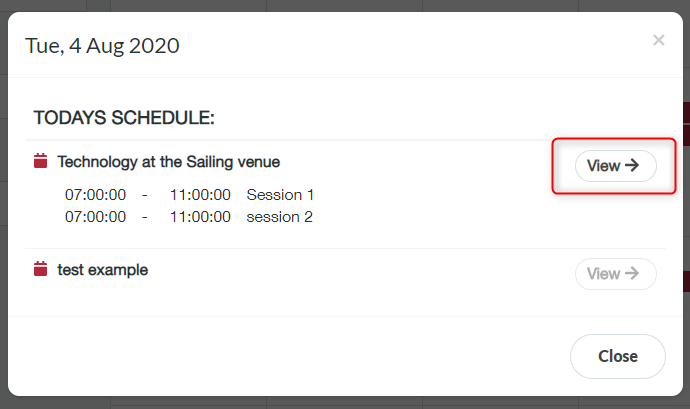
- List of all activities scheduled that day is displayed
- Click ‘View’ one of the activities (an activity must have sessions added to view the activity details)
- Click ‘Add New Note’

- You can type in your notes here also you can add media by clicking ‘Browse…’
- Click ‘Save’
If you wish to share your note you can do this by clicking the middle arrow icon next to your note, you can share you’re not with either a group or with a single delegate, select this delegate in the drop down list.